AIOU CMS Login Problem – How to Fix Login Errors in 2026
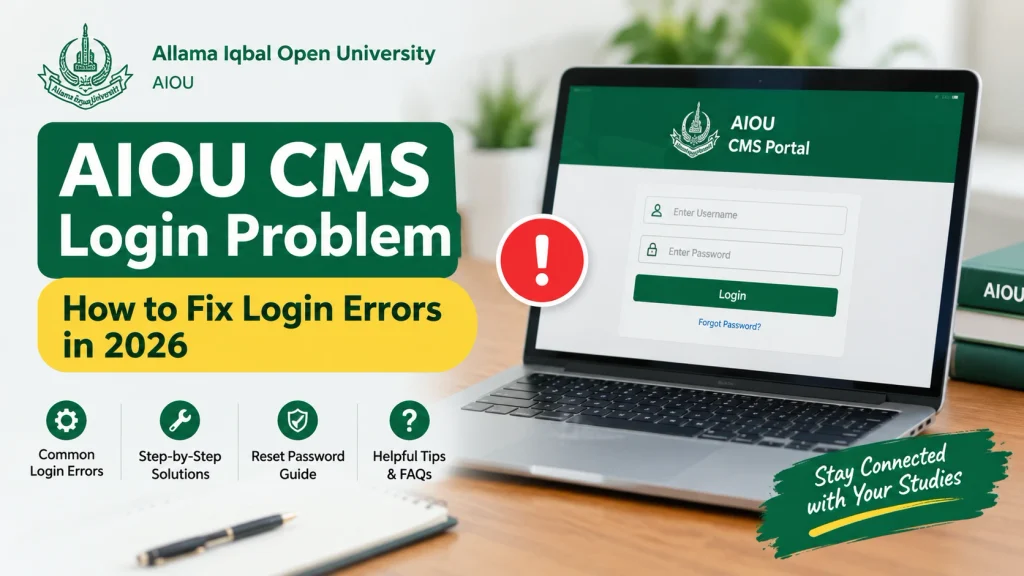
Are you facing an AIOU CMS login problem while trying to access your student account? Students at Allama Iqbal Open University (AIOU) may have difficulty signing in because of incorrect login details, missing credentials, browser problems, or temporary portal errors.
The AIOU Campus Management System (CMS) helps students access academic records, course registration, examination information, and other student services. If you cannot log in, follow the troubleshooting steps below and use official AIOU support if the issue continues.
Official CMS portal: www.enrollment.aiou.edu.pk
Official Helpdesk: www.support.aiou.edu.pk
What Is the AIOU CMS Portal?
The AIOU CMS portal is an online student system used to manage academic information and student services. Depending on your account and programme, it can provide access to course registration, examination records, fee information, and other services.
Students should use the official AIOU website and portal links rather than unofficial login pages.
Common AIOU CMS Login Problems
Students may experience one or more of these issues:
- Incorrect username or password.
- CMS username or password not received.
- Login page not opening.
- Page loading continuously.
- Account access problems after admission.
- Course registration or academic information not appearing.
- Fee payment status not updated.
- A temporary browser or portal error.
The correct solution depends on the error message and the status of your account.
How to Fix the AIOU CMS Login Problem
1. Open the Official CMS Portal
Visit the official AIOU continuing-student page:
www.aiou.edu.pk/cms-continuing-students
Use the CMS link provided there to access the student login page. The direct portal is:
Check the web address before entering your credentials.
2. Check Your Username and Password
Carefully enter the username and password provided for your CMS account.
- Check that the username is entered correctly.
- Make sure Caps Lock is not enabled unintentionally.
- Remove accidental spaces before or after your credentials.
- Confirm that you are using the credentials for the correct AIOU portal.
- Do not repeatedly guess passwords if the login keeps failing.
Do not rely on old password formats found in outdated online guides. Follow the credentials and instructions provided by AIOU for your account.
3. If You Have Not Received Your CMS Password
AIOU states that CMS credentials are sent through SMS. If you have not received the message, contact your concerned AIOU Regional Campus for guidance.
You can also visit the official AIOU Helpdesk to submit a complaint or check available support instructions.
4. If the CMS Portal Is Not Opening
Try these basic troubleshooting steps:
- Refresh the login page.
- Open the portal in an updated browser.
- Try a private or incognito browser window.
- Clear your browser cache if the page keeps displaying an old error.
- Switch between Wi-Fi and mobile data to test your connection.
- Try again later if the portal appears temporarily unavailable.
These steps may help with browser or connection problems, but they cannot fix an account-related issue or a university-side outage.
5. If Your Admission Has Recently Been Confirmed
If you are a new student, check your admission status and the instructions provided after confirmation. Your CMS credentials may not be available until the relevant account setup process has been completed.
Use the official AIOU admission portal and contact the university if your admission is confirmed but you cannot obtain your CMS credentials.
6. If Your Fee Payment Is Not Showing
Sometimes, a paid fee challan may take time to appear as verified in CMS or the Online Admission System (OAS).
AIOU’s official FAQ advises students to contact support if a payment remains unverified. For bank payments, the university may require transaction evidence from the bank. For payments made through supported mobile payment services, keep the successful transaction SMS or notification containing the transaction ID.
Read the official AIOU Frequently Asked Questions for the applicable instructions.
Also Read: AIOU LMS Aaghi Login – Complete Step by Step Guide
How to Contact AIOU for CMS Login Help
If the problem continues after troubleshooting, use the university’s official support channels.
| Support Option | Details |
|---|---|
| CMS Portal | www.enrollment.aiou.edu.pk |
| CMS Guidance | www.aiou.edu.pk/cms-continuing-students |
| Official Helpdesk | https://support.aiou.edu.pk/ |
| AIOU Helpline | 051-111-112-468 |
| General Email | support@aiou.edu.pk |
When submitting a complaint, explain the problem clearly and include relevant information requested by the university. You may provide your registration details through the official support channel if required.
Security tip: Never share your password, OTP, or sensitive account information in public comments or with unofficial social media pages.
What to Do If Your AIOU CMS Account Still Does Not Work
If you have tried the steps above and cannot access your account:
- Take a screenshot of the error message, hiding sensitive information.
- Note the date and time when the problem occurred.
- Confirm that you are using the correct official portal.
- Submit a complaint through the AIOU Helpdesk.
- Keep your complaint or ticket reference so you can follow up.
If the issue concerns admission confirmation, course registration, examination records, or fee verification, mention the specific service you are trying to access.
Frequently Asked Questions
Why is my AIOU CMS login not working?
Possible causes include incorrect credentials, missing account details, browser issues, or a temporary portal problem. Check your login details and use the official AIOU support channels if the issue continues.
What should I do if I have not received my AIOU CMS password?
AIOU advises students who have not received their credentials to contact their concerned Regional Campus. You can also consult the official Helpdesk.
What is the official AIOU CMS login link?
The official CMS portal for continuing students is https://enrollment.aiou.edu.pk/. You can also access it through the AIOU continuing-student information page.
Can I fix an AIOU CMS login problem on my mobile phone?
You can try opening the official portal in an updated mobile browser, checking your connection, and entering your credentials carefully. If the account itself has a problem, you may need help from AIOU.
What should I do if my paid fee is not verified?
Keep your payment receipt or transaction confirmation and follow the instructions in AIOU’s official FAQ. Contact the Helpdesk if the payment remains unverified.
How can I submit an AIOU CMS complaint?
Visit https://support.aiou.edu.pk/ and follow the instructions to submit a ticket or complaint.
Conclusion
An AIOU CMS login problem can result from incorrect credentials, missing login information, browser issues, or account-related concerns. Start by opening the official portal and checking your credentials. If you have not received your password or the issue persists, contact your Regional Campus or submit a complaint through the official AIOU Helpdesk.
For accurate information, use official university resources and avoid sharing your login details with unofficial websites.
Disclaimer: AIOUResult.com is an independent educational information website and is not the official website of Allama Iqbal Open University. Always confirm account-specific issues with AIOU.
One Comment