AIOU LMS Aaghi Login – Complete Step by Step Guide
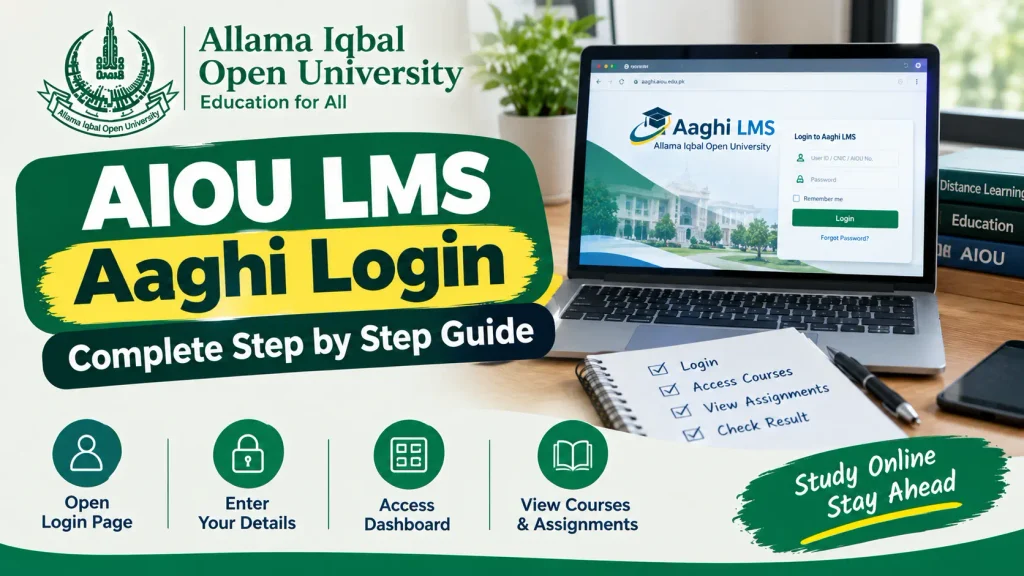
The AIOU LMS Aaghi Login portal is used by Allama Iqbal Open University students to access their online courses, assignments, workshops, learning material, quizzes, and other academic activities. AIOU’s official AAGHI LMS portal is available at aaghi.aiou.edu.pk, and students log in using the credentials provided by the university.
If you are a new or continuing AIOU student and do not know how to log in, this guide explains the AIOU AAGHI LMS login process step by step, how to reset your password, what to do if courses are missing, and how to access assignments and workshops.
Important: AIOUResult.com is an independent educational information website and is not affiliated with or operated by AIOU. Always use the official AIOU LMS portal for your account.
AIOU AAGHI LMS Login – Quick Information
| Information | Details |
|---|---|
| LMS Name | AAGHI LMS |
| University | Allama Iqbal Open University |
| Official LMS | AAGHI LMS |
| Login Website | aaghi.aiou.edu.pk |
| Login Required | Username/Student ID and Password |
| Main Uses | Courses, Assignments, Workshops, Quizzes and Learning Activities |
| Password Reset | Available from the LMS login page |
| Support | AIOU Regional Campus / LMS support |
AIOU official Student Guide also lists AAGHI LMS as the university’s LMS platform.
What Is AIOU AAGHI LMS?
AAGHI LMS is AIOU’s Learning Management System. LMS stands for Learning Management System, a web-based platform used to manage academic and learning activities.
According to AIOU’s official FAQ, the LMS is used to support the learning process, while students can use it for activities such as assignment submission and workshop participation depending on their program.
Through AAGHI LMS, eligible students may be able to:
- Access enrolled courses
- Upload assignments
- Attend online workshops
- Check workshop information
- Complete workshop quizzes
- Access learning resources
- View academic activities
- Participate in online learning
The exact options available can depend on your program and semester.
AIOU LMS Aaghi Login – Step by Step
Follow these steps to access your AIOU LMS account.
Step 1: Open the Official AAGHI LMS Website
Open the official AIOU AAGHI LMS website:
The current official AAGHI LMS homepage provides access to the LMS and also includes options such as Forgot LMS Password.
Step 2: Enter Your LMS Username
Enter the username or student credentials provided by AIOU.
Make sure that:
- You enter the correct username.
- There are no unnecessary spaces.
- Caps Lock is checked if your password is case-sensitive.
- You use your own LMS credentials.
AIOU’s official FAQ says that LMS credentials are provided by the university.
Step 3: Enter Your Password
Type your AAGHI LMS password in the password field.
If you received your credentials through SMS or another official communication, use the password provided by AIOU.
Step 4: Click Login
After entering your username and password, select the Login option.
If the credentials are correct, you should be taken to your AAGHI LMS dashboard.
Step 5: Open Your Courses
After successful login, check your dashboard for the courses available to you.
If your admission has been confirmed but your courses are not visible, AIOU advises students that courses are updated on AAGHI LMS after admission confirmation.
AIOU AAGHI LMS Login Link
Students should always use the official AIOU LMS address rather than an unofficial website.
AIOU’s official Student Guide lists this address as the university’s LMS link.
AIOU AAGHI LMS Forgot Password
If you have forgotten your LMS password, you do not necessarily need to create a new account.
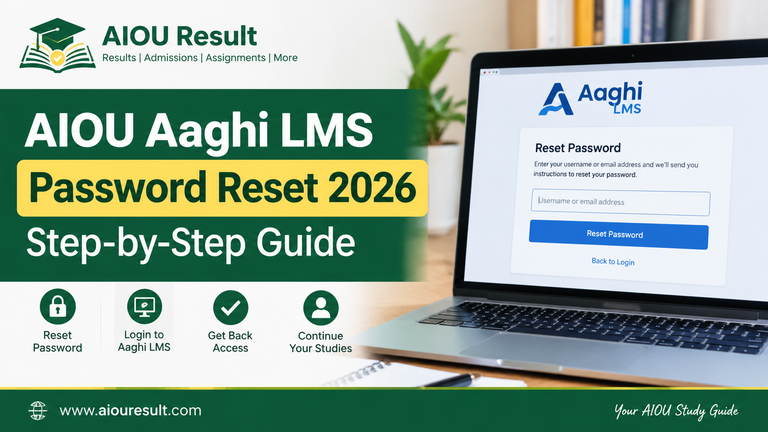
The current AAGHI LMS website provides a Forgot LMS Password option, and AIOU FAQ confirms that students can reset their LMS password themselves through the reset link available on the main LMS page.
How to Reset AIOU LMS Password
Follow these steps:
- Open the official AAGHI LMS website.
- Select Forgot LMS Password.
- Enter your LMS username, Student ID, or roll number as requested.
- Complete the verification process.
- Enter the verification code/OTP if requested.
- Create a new password.
- Return to the LMS login page.
- Log in using your updated password.
The current AIOU password-reset page provides verification through an OTP sent to the registered contact method where available.
What If You Did Not Receive Your AIOU LMS Password?
Some students may not receive their LMS credentials.
AIOU official FAQ states that LMS credentials are generally sent through SMS before the commencement of the study period. If you have not received them, AIOU advises students to contact the concerned Regional Campus through email.
Before contacting the university, check:
- Your SMS inbox
- Your registered mobile number
- Your admission confirmation
- Your email account
- Your CMS information
Do not share your LMS password with another person.
Also Check: AIOU Admission 2026 – Check Last Date
AIOU LMS Courses Not Showing
One common problem is logging into AAGHI LMS successfully but finding that no courses are displayed.
AIOU’s FAQ specifically states that courses are updated on AAGHI LMS after confirmation of admission.
If your courses are missing:
- Confirm that your admission is confirmed.
- Check your CMS account.
- Log out and log back into AAGHI LMS.
- Check again after the LMS has been updated.
- Contact your concerned Regional Campus if the problem continues.
Do not assume that your account is permanently blocked simply because courses are temporarily missing.
AIOU LMS Login for Assignments
AAGHI LMS is also used for assignment submission for certain programs.
According to AIOU official FAQ, students enrolled in BS, B.Ed, MA, MSc and equivalent programs offered through distance learning are required to upload their assignments through AAGHI LMS. SSC and HSSC assignments are submitted to tutors according to the applicable process.
How to Upload an Assignment on AAGHI LMS
The general process is:
- Log in to AAGHI LMS.
- Open your relevant course.
- Find the assignment activity.
- Check the assignment instructions.
- Prepare your assignment in the required format.
- Upload the file.
- Review the uploaded file.
- Submit the assignment.
- Confirm that the submission has been recorded.
Always follow the instructions and assignment schedule applicable to your program.
AIOU Workshop Login Through AAGHI LMS
AAGHI LMS is also important for students who have online workshops.
AIOU current LMS portal specifically instructs students and resource persons to join online workshops through the AAGHI LMS workshop link. It also states that each workshop day has a separate workshop link.
For example, if your schedule says Day 3, you should use the workshop link corresponding to that day rather than joining a different workshop.
AIOU’s official FAQ also tells students to regularly check AAGHI LMS for their workshop schedule.
AIOU LMS Workshop Schedule
To check your workshop schedule:
- Log in to AAGHI LMS.
- Open the workshop-related section.
- Check your course and batch.
- Note the workshop date.
- Check the workshop link.
- Join the correct workshop on the assigned day.
The AAGHI LMS support page also provides a Workshop Schedule section and workshop guidance.
AAGHI LMS Support & Workshop Guide
AIOU LMS Workshop Quiz
Some students may also need to complete a workshop quiz.
The official AAGHI LMS support page currently provides a Workshop Quiz section along with guidance for attending workshops.
If a quiz is required for your course, follow the instructions shown inside your LMS account.
AIOU LMS Student Manual
AIOU provides a student manual explaining the AAGHI LMS login process and basic LMS information.
The official manual explains that students need their LMS username and password to access the system and advises students to contact the relevant LMS focal person or regional support if they do not have their credentials.
AIOU LMS Login Problems and Solutions
Problem 1: Wrong Username or Password
If your login credentials are rejected:
- Check your username carefully.
- Re-enter your password.
- Check Caps Lock.
- Avoid adding spaces.
- Use the password-reset option if necessary.
Problem 2: Forgot Password
Use the Forgot LMS Password option available on the AAGHI LMS portal.
Problem 3: No Courses
If your courses are not visible, first confirm your admission. AIOU says courses are updated after admission confirmation.
Problem 4: LMS Credentials Not Received
If you did not receive your credentials, contact your concerned Regional Campus according to AIOU’s instructions.
Problem 5: Workshop Not Visible
Check your LMS regularly because AIOU uploads workshop schedules through the LMS and website.
Problem 6: Assignment Submission Issue
Check the assignment schedule and course instructions. If the problem continues, contact the appropriate Regional Campus.
AIOU AAGHI LMS vs CMS
Students sometimes confuse AAGHI LMS with AIOU CMS.
They are different systems.
| Feature | AAGHI LMS | AIOU CMS |
|---|---|---|
| Main Purpose | Learning activities | Student academic record |
| Courses | Yes | Academic course information |
| Assignments | Applicable programs | Assignment-related information |
| Workshops | Yes | Not the primary workshop platform |
| Tutor Information | Learning-related | Available through CMS |
| Result History | Not the primary system | Yes |
| Fee Challan | Not the primary system | Yes |
| Enrollment | Not the primary system | Yes |
AIOU defines CMS as Campus Management System, which maintains student academic records and provides information such as tutor details, admit cards, result history, course registration and fee challans.
AIOU LMS and CMS Login Are Not the Same
Your AIOU CMS login and AAGHI LMS login should not be treated as the same service.
Use AAGHI LMS for:
- Online learning
- Assignments where applicable
- Workshops
- Workshop quizzes
- Learning activities
Use CMS for:
- Student academic record
- Tutor information
- Enrollment
- Fee challans
- Admit card
- Result history
This distinction can save students from trying to find LMS features inside CMS or vice versa.
How to Keep Your AIOU LMS Account Secure
Your LMS account contains academic information, so keep your login credentials private.
Follow these security tips:
- Never share your password.
- Do not give your OTP to another person.
- Avoid saving your password on public computers.
- Log out after using a shared computer.
- Use the official AIOU LMS website.
- Do not enter your credentials into suspicious websites.
- Change your password if you believe someone else knows it.
AIOU FAQ specifically advises students to keep their LMS password safe and not share their credentials with others.
AIOU LMS Login on Mobile
You can access AAGHI LMS from a mobile browser by opening the official LMS website.
For a smoother experience:
- Use an updated browser.
- Make sure your internet connection is stable.
- Keep your phone updated.
- Use the official LMS website.
- Rotate the phone to landscape mode if required for certain pages.
- Download files only from trusted AIOU/LMS sources.
For assignments and workshops, a computer or laptop may be more convenient, particularly when uploading documents or participating in longer online sessions.
Frequently Asked Questions
What is the AIOU AAGHI LMS?
AAGHI is AIOU Learning Management System used for online academic and learning activities.
How do I log in to AIOU LMS?
Open the official AAGHI LMS website, enter the credentials provided by AIOU, and select the login option.
What is the official AIOU LMS website?
The official AIOU AAGHI LMS website is aaghi.aiou.edu.pk. AIOU’s Student Guide also lists this as the LMS link.
What should I do if I forget my AIOU LMS password?
Use the Forgot LMS Password option on the AAGHI LMS website and follow the password-reset instructions.
Why are my courses not showing on AIOU LMS?
AIOU states that courses are updated on AAGHI LMS after admission confirmation. If your admission is confirmed and courses are still missing, check again later and contact your Regional Campus if necessary.
How can I submit assignments on AAGHI LMS?
Students in applicable BS, B.Ed, MA, MSc and equivalent distance-learning programs can log in to AAGHI LMS and upload their respective course assignments according to the assignment schedule.
How can I check my AIOU workshop schedule?
Log in to AAGHI LMS and regularly check the workshop section. AIOU also publishes workshop information on its official website.
Can I attend AIOU online workshops through AAGHI LMS?
Yes. AIOU current LMS portal instructs students to join online workshops through the AAGHI LMS workshop link.
What should I do if I never received my LMS credentials?
AIOU advises students who have not received their LMS credentials to contact their concerned Regional Campus through the appropriate support channel.
Final Words
The AIOU LMS Aaghi Login portal is an important part of online learning at Allama Iqbal Open University. Students can use AAGHI LMS for applicable assignments, online workshops, quizzes and other learning activities.
To log in, simply open the official AAGHI LMS website, enter the credentials provided by AIOU and access your student dashboard. If you forget your password, use the official password-reset option rather than creating another account.
2 Comments